
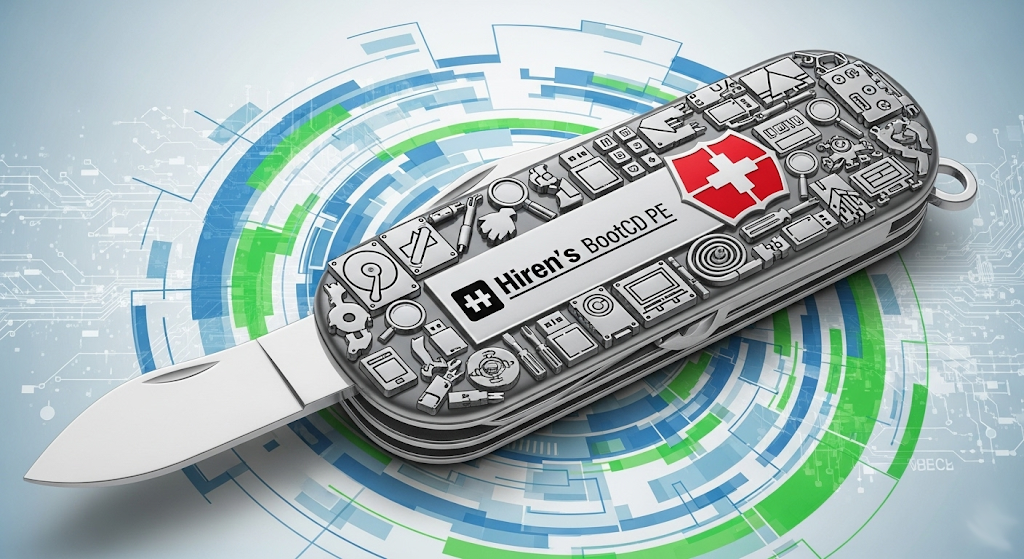
In the realm of computer repair and troubleshooting, Hiren's BootCD has long been a powerful ally for technicians and PC enthusiasts alike. Today, with advancements in technology, its successor, Hiren's BootCD PE (Preinstallation Environment), continues to play a crucial role in system recovery and maintenance with a more modern approach. This article will delve into the features, advantages, and how to maximize the value of Hiren's BootCD PE in practical applications.
1) What is Hiren's BootCD PE?
Hiren's BootCD PE is a bootable collection of tools built based on Windows 11 PE x64. It is a restored edition of the classic Hiren's BootCD, specifically designed for modern computers, supporting UEFI booting and containing a carefully selected range of free tools aimed at helping users diagnose and repair various computer issues. Given the absence of official updates for the original Hiren's BootCD after November 2012, the PE version is currently under development by fans of Hiren's BootCD to adapt to the latest hardware and software environments.
2) Core Functions and Features of Hiren's BootCD PE
Hiren's BootCD PE encompasses numerous practical tools covering all aspects of computer maintenance:
- System Diagnosis and Repair: Provides tools for disk testing, memory testing, hardware information viewing, and more, helping users quickly pinpoint hardware failures.
- Data Recovery: Includes various data recovery software that can attempt to retrieve lost files even when the system cannot boot.
- Disk Management: Contains partitioning tools, disk cloning, backup and restore functions, making it convenient for users to perform disk operations and management.
- Network Tools: Integrates drivers for Wi-Fi and Ethernet cards, allowing users to connect to networks in the PE environment for online diagnostics or downloading necessary files.
- Password Reset: Offers Windows password reset tools to resolve issues where users have forgotten their login passwords.
- Malware Scanning: Although not its primary function, some versions may include basic malware scanning tools for initial detection.
- System Deployment: Can be used to deploy operating systems, facilitating batch installations or system migrations for technicians.
3) Why Choose Hiren's BootCD PE?
- Free and Powerful: Hiren's BootCD PE includes a vast array of free and practical tools, providing comprehensive system maintenance capabilities without additional costs.
- Support for Modern Hardware: Built on Windows 11 PE x64, it offers better support for the latest hardware devices, including UEFI booting.
- Highly Portable: Can be easily created on a USB drive or CD, making it convenient to carry and use wherever needed.
- Saves Time: Integrates a variety of commonly used tools, eliminating the hassle of temporary searching and downloading, significantly improving problem-solving efficiency.
- An Invaluable Assistant for Technicians: Whether you are a professional IT technician or an ordinary PC enthusiast, you can benefit from it to solve various computer problems.
4) How to Use Hiren's BootCD PE?
The basic steps for using Hiren's BootCD PE are as follows:
- Download the Image File: Download the ISO image file of Hiren's BootCD PE from a reliable source.
- Create a Bootable Drive: Use tools like Rufus or Ventoy to create a bootable USB drive from the ISO file or burn it to a CD.
- Set the Computer Boot Order: Enter the computer's BIOS settings and set the boot order to boot from the USB drive or CD.
- Boot into the PE System: Save the BIOS settings and restart the computer. It will boot from Hiren's BootCD PE.
- Select the Required Tool: In the PE system interface, select the appropriate tool for your needs.
5) Scenarios Where Hiren's BootCD PE is Applicable
Hiren's BootCD PE is suitable for various computer maintenance and troubleshooting scenarios, including but not limited to:
- Unbootable Computers: When the operating system cannot boot normally, Hiren's BootCD PE can be used to enter the PE environment for repair or data recovery.
- System Crashes or Blue Screens: Diagnostic tools can be used to analyze system issues and attempt to repair or reinstall the system.
- Disk Failure Detection and Repair: Check the health of the hard drive and repair logical errors.
- Important Data Backup and Recovery: Rescue important data in case of system corruption.
- Forgotten System Passwords: Quickly reset Windows login passwords.
- New Computer System Installation: Assist in the installation and deployment of operating systems.
6) Alternatives to Hiren's BootCD PE
While Hiren's BootCD PE is powerful, users may consider other alternatives in certain situations, such as:
- MediCat USB: Another popular bootable USB drive based on Windows PE, containing a large number of useful tools.
- SystemRescue: A Linux-based system rescue tool suitable for users familiar with the Linux environment.
- Ultimate Boot CD (UBCD): Contains various diagnostic and recovery tools, but its update frequency is lower.
- Gandalf's Windows 10PE: Built on Windows 10 PE, comprehensive in features but may require payment.
7) Conclusion
Hiren's BootCD PE is a powerful, free, and portable system maintenance tool that is an indispensable first-aid kit for technicians and computer enthusiasts. Whether you need to diagnose hardware failures, recover lost data, or perform system maintenance, Hiren's BootCD PE can provide you with effective solutions. Mastering and properly utilizing this tool will make you more proficient in dealing with computer problems.
Back to top
Comments